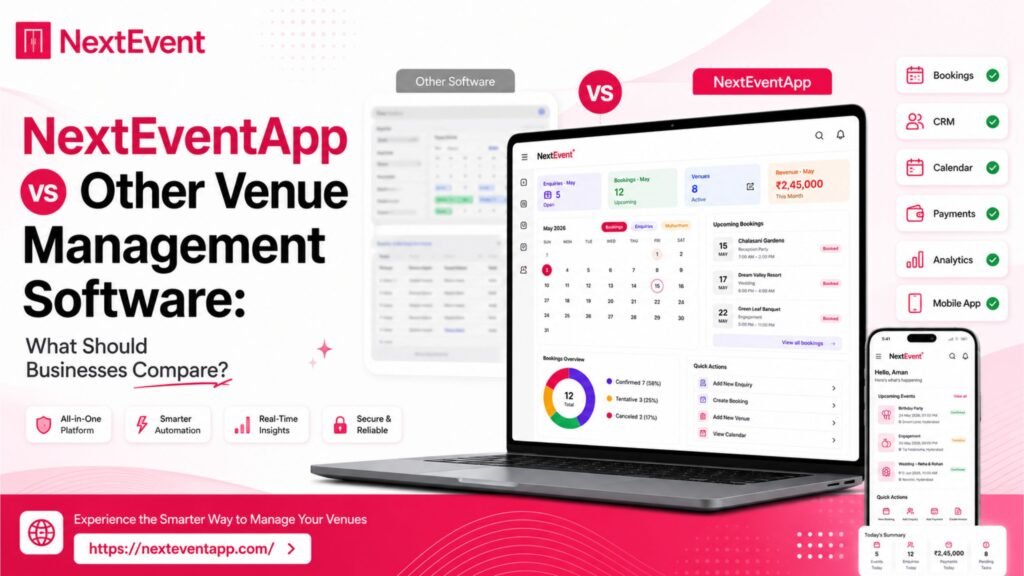
Choosing the right Venue Management Software is one of the most important decisions for banquet halls, wedding venues, hotels, convention centers, and event businesses. The right platform can help streamline bookings, improve customer communication, reduce manual work, and support business growth. Read more here about – 10 Common Mistakes Banquet Hall Owners Make (And How Software Solves Them).
Today, there are many software solutions available, each offering different capabilities. While NextEventApp is one option, businesses should compare any platform using practical criteria rather than relying solely on marketing claims. The best solution depends on your workflow, team size, operational goals, and long-term plans.
This guide explains the key areas every business should evaluate before investing in Event Management Software.
Comparison Overview
Feature | Why It Matters |
User Interface (UI/UX) | Improves productivity and reduces training time. |
Multi-Platform Access | Enables teams to work across Android, iOS, and desktop devices. |
Booking Management | Helps organize reservations and reduce scheduling conflicts. |
Automated Follow-Ups | Keeps customer communication organized. |
Unlimited Staff Access | Supports growing teams without workflow interruptions. |
Data Security | Protects customer and business information. |
Cloud Backup | Helps safeguard business data. |
Regular Updates | Keeps software current with new improvements. |
AI Capabilities | May help automate repetitive tasks and improve efficiency. |
Customer Support | Helps resolve issues quickly when assistance is needed. |
Key Features Businesses Should Compare
1. User Interface and User Experience (UI/UX)
A modern UI/UX makes software easier to learn and use. Employees spend less time searching for features and more time serving customers.
What to Look For
Clean dashboard
Simple navigation
Easy onboarding for new staff
A well-designed interface can improve productivity without requiring extensive training.
2. Multi-Platform Accessibility
Modern businesses often work from multiple devices throughout the day.
Compare Support For
Android
iOS
Desktop
Web browser access
Real-time synchronization across devices
Being able to access the same information from different devices can improve operational flexibility.
3. Booking and Calendar Management
The booking calendar is one of the most frequently used features in Venue Booking Software.
Important Features
Availability tracking
Event scheduling
Booking history
Reservation management
Conflict prevention
A centralized booking system helps teams stay organized and reduces scheduling errors.
4. Automated Follow-Ups
Customer communication plays an important role in venue management.
Automation Can Help With
Follow-up reminders
Booking confirmations
Customer notifications
Task reminders
Workflow consistency
Automation can reduce repetitive manual work while helping teams maintain consistent communication.
5. Staff and User Management
Growing businesses often need multiple employees to access the same platform.
Consider
User roles
Permission controls
Team collaboration
Access management
Future scalability
Choose software that supports your expected team size and operational needs.
6. Data Security and Backup
Customer information, invoices, and booking records are valuable business assets.
Security Features to Evaluate
Encryption
Secure login
Backup options
Disaster recovery
Data protection policies
Understanding how a platform protects and stores data is an important part of the evaluation process.
7. Regular Software Updates
Technology changes quickly, and software should continue improving over time.
Why Updates Matter
Performance improvements
Security enhancements
Bug fixes
New functionality
Better compatibility
Review the vendor’s update history and product roadmap where available.
8. AI and Future Innovation
Many software providers are exploring AI features to improve operational efficiency.
Potential AI Applications
Automated customer responses
Smart reporting
Workflow automation
Data insights
Productivity improvements
When evaluating AI capabilities, ask vendors which features are currently available and which are planned for future releases.
9. Customer Support
Reliable support can make a significant difference when issues arise.
Support Options
Live chat
Phone support
Knowledge base
Training resources
Compare support hours, response times, and available documentation before choosing a provider.
Pros and Cons of Modern Venue Management Software
Pros
Centralized booking management
Improved customer communication
Better team collaboration
Cloud accessibility
Reporting and analytics
Reduced manual work
Scalable for growing businesses
Cons
Subscription costs vary between vendors.
Feature availability depends on the selected plan.
Staff may require initial training when adopting new software.
Who Should Use Venue Management Software?
Modern Venue Management Software can benefit:
Banquet halls
Wedding venues
Hotels
Resorts
Convention centers
Community halls
Event organizers
Multi-location venue businesses
The right platform depends on your operational requirements, budget, and long-term business goals.
Conclusion
Selecting the right Venue Management Software requires more than comparing feature lists. Businesses should evaluate usability, booking management, automation, staff collaboration, security, updates, scalability, customer support, and future innovation.
Whether you are evaluating NextEventApp or another solution, requesting a product demonstration, comparing subscription plans, and testing real-world workflows can help you make a confident and informed decision.
Frequently Asked Questions
1. What should I compare before buying Venue Management Software?
Compare UI/UX, booking management, automation, reporting, integrations, security, scalability, and customer support.
2. Why is multi-device access important?
It allows staff to access booking information from compatible Android, iOS, and desktop devices, improving flexibility and collaboration.
3. How do automated follow-ups help businesses?
They can streamline customer communication by sending reminders and notifications, reducing repetitive manual tasks.
4. Why are regular software updates important?
Updates may improve security, performance, compatibility, and introduce new features over time.
5. Is AI becoming important in Venue Management Software?
Many providers are developing AI-powered capabilities to help automate workflows and improve efficiency. Available features vary by platform, so it’s worth checking each vendor’s current offering.