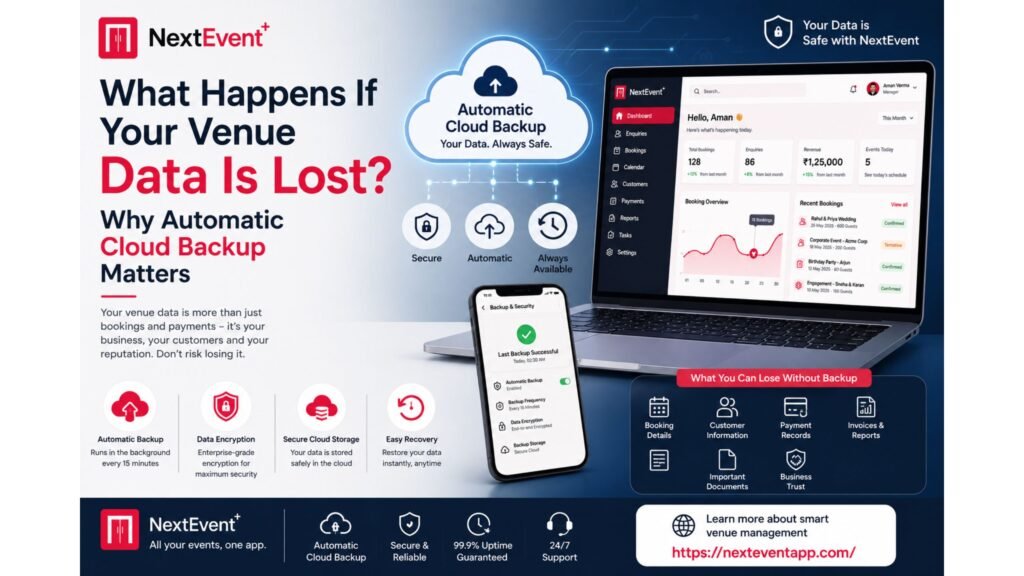
Imagine arriving at your venue one morning and discovering that years of customer records, confirmed bookings, invoices, payment history, and event schedules have disappeared. A computer crashes, a hard drive fails, or an employee accidentally deletes important files. Suddenly, your business operations come to a halt.
For many venue businesses, data is one of their most valuable assets. Every booking, customer enquiry, payment, invoice, and event schedule plays a critical role in daily operations. Losing this information can lead to financial losses, unhappy customers, and damage to your reputation. Read more here about – Never Miss a Lead Again: How Automated Follow-Ups Increase Venue Bookings.
This is why automatic cloud backup has become an essential feature in modern venue management software. Instead of relying on manual backups or local storage, cloud-based systems continuously protect your data, ensuring it remains available whenever you need it.
Why Venue Data Is More Valuable Than Ever
Today’s banquet halls, wedding venues, convention centers, and event spaces manage far more than booking calendars.
Most businesses store:
Customer contact information
Booking details
Event schedules
Payment records
Invoices
Contracts
Vendor information
Staff schedules
Business reports
This information grows every day.
Without a reliable backup system, one unexpected incident could erase years of business history.
Common Causes of Data Loss
Many venue owners assume data loss only happens to large companies. In reality, small and medium-sized businesses face these risks every day.
Hardware Failure
Computers and hard drives eventually fail.
Even well-maintained systems can stop working without warning.
Human Error
Employees may accidentally delete important files or overwrite customer records.
Software Issues
Unexpected software bugs or failed updates can corrupt valuable business information.
Theft or Physical Damage
Laptops and computers can be stolen, damaged by fire, flooding, or electrical failures.
Cybersecurity Incidents
Businesses increasingly face cyber threats that can make locally stored data inaccessible.
Regardless of the cause, losing important information can severely disrupt operations.
What Is Automatic Cloud Backup?
Automatic cloud backup continuously saves your business data to secure cloud servers without requiring manual action.
Whenever new information is added or updated, the system automatically creates secure copies in the cloud.
This means your data remains protected even if your local computer becomes unavailable.
Unlike traditional backups that depend on someone remembering to save files, cloud backup works quietly in the background.
Benefits of Automatic Cloud Backup
Business Continuity
If a device fails, your business can continue operating by accessing the same information from another authorized device.
Reduced Risk of Data Loss
Automatic backups protect your records from accidental deletion and hardware failures.
Faster Recovery
Instead of rebuilding customer information from scratch, you can restore your data quickly.
Peace of Mind
Venue owners can focus on growing their business instead of worrying about losing important records.
Remote Accessibility
Because your information is stored securely in the cloud, authorized users can access it from anywhere with an internet connection.
Why Manual Backups Are No Longer Enough
Some businesses still depend on:
USB drives
External hard disks
Local servers
Manual file copies
While these methods may provide some protection, they have several limitations.
People Forget
Manual backups are often skipped during busy periods.
Storage Devices Can Fail
External drives are also vulnerable to damage and theft.
Outdated Copies
If backups aren’t performed regularly, recently added customer data may be lost.
Automatic cloud backups eliminate these risks by continuously protecting your latest information.
Cloud Backup Supports Multi-Location Businesses
Many venue owners now manage multiple banquet halls or event venues.
Without cloud technology, sharing updated information between locations becomes difficult.
Automatic cloud backup ensures:
Every branch accesses the latest information.
Booking records remain synchronized.
Payment information stays updated.
Management receives real-time business insights.
This improves collaboration across multiple locations while reducing administrative work.
What to Look for in Cloud Backup Solutions
Not all backup systems offer the same level of protection.
When choosing venue management software, look for these features:
Continuous Automatic Backup
Your data should be backed up without requiring manual intervention.
Secure Data Encryption
Backup files should be encrypted during storage and transmission.
Fast Recovery
Restoring data should be simple and quick.
Multiple Backup Copies
Reliable systems store data across multiple secure locations.
High Availability
Authorized users should be able to access their information whenever needed.
Why NextEvent Prioritizes Data Protection
At NextEvent, we understand that your business depends on accurate and secure information.
That’s why our platform includes 24/7 automatic cloud backup, ensuring that bookings, customer records, payments, invoices, and operational data are continuously protected.
Combined with enterprise-grade encryption, cross-platform accessibility, unlimited staff access, unlimited device access, automated follow-ups, regular software updates, 24/7 customer support, and upcoming AI-powered features, NextEvent provides venue businesses with a secure and reliable foundation for growth.
Conclusion
Data loss can happen unexpectedly, but its impact doesn’t have to be devastating.
Automatic cloud backup protects one of your business’s most valuable assets—your information. It ensures continuity, reduces operational risks, improves collaboration, and provides peace of mind for venue owners and their teams.
When evaluating venue management software, don’t just compare booking features or pricing. Make sure the platform includes reliable, automatic cloud backup that keeps your business running no matter what happens.
Frequently Asked Questions (FAQs)
1. What is automatic cloud backup?
Automatic cloud backup continuously saves your business data to secure cloud servers without requiring manual action, ensuring information remains protected and recoverable.
2. Why is cloud backup important for venue businesses?
Venue businesses store critical customer, booking, payment, and event information. Cloud backup protects this data from hardware failures, accidental deletion, and other unexpected incidents.
3. Can cloud backups help after a computer crashes?
Yes. Since your information is securely stored in the cloud, you can access or restore your data from another authorized device.
4. Is automatic cloud backup more reliable than manual backups?
Yes. Automatic backups run continuously without depending on employees to remember scheduled backup tasks, reducing the risk of outdated or missing data.
5. How does NextEvent protect venue data?
NextEvent provides 24/7 automatic cloud backup, enterprise-grade encryption, secure cloud infrastructure, and real-time synchronization, helping venue businesses keep their data safe and accessible at all times.